



If you run Security, Quality, or EHS in a GMP facility or ITAR-controlled environment, you already know: the hardest people to manage aren't your full-time employees. It's everyone else.
Contractors who come in for a day. Auditors who arrive for a week. Temporary workers who only need access to two cleanrooms on the night shift. All of them must be granted access, but not too much, not too soon, and definitely not for too long.
In a world of clipboards, plastic badges, and spreadsheets, this quickly becomes messy. Credentials linger. Logs are incomplete. Auditors ask questions that are difficult to answer cleanly:
-
Who had access to this ITAR zone during that week in March?
-
Can you show that contractors only had access while they were on shift?
-
How do you make sure visitor badges are deactivated at the end of the day?
Modern access control for regulated spaces is moving toward a different model: temporary, rule-based, time-bound access, often implemented through digital QR credentials and PIAM-style platforms like SecurityOS. Instead of thinking in terms of “who has a badge,” you start thinking in terms of “who needs access, under what conditions, for how long, and how will we prove it later?”
This blogpost walks through that shift. We’ll look at why traditional access control struggles in GMP and ITAR zones, how rule- and time-based permissions work in practice, what digital credentials can do for you, and how to design workflows and logs that make you audit-ready by default rather than scrambling when an inspector shows up.
Why Temporary Access Is the Real Risk Point
Let’s start with a simple truth: permanent badges are easy. Once an employee is in your HR system, it’s straightforward to assign them to a role and give them access to the zones they need.
The real complexity comes from people who aren’t in your HR system:
- Maintenance contractors coming in for one afternoon
- Calibration specialists here for a week
- External auditors visiting once or twice a year
- Temporary staff hired for peak production
- IT or OT vendors performing upgrades
These people often need access to some of your most sensitive spaces (GMP cleanrooms, controlled warehouses, ITAR labs) but only for a short, clearly defined period. If your only tools are permanent badges and a manual "please remember to deactivate this later" process, you're taking on unnecessary risk.
In GMP and ITAR environments, that risk takes a very specific form:
- Standing privileges: Temporary people end up with lingering access long after they’ve left.
- Over-privileged badges: Contractors get “generic” access that’s more permissive than needed.
- Poor traceability: You think someone only used Zone A, but logs show they could have accessed Zones A, B, and C.
- Weak visitor workflows: Paper sign-in sheets or basic visitor badges don’t meet the bar for traceability or justification.
Temporary access, if not handled carefully, becomes the soft underbelly of your entire facility security posture.
Why Classic RBAC Isn’t Enough Anymore
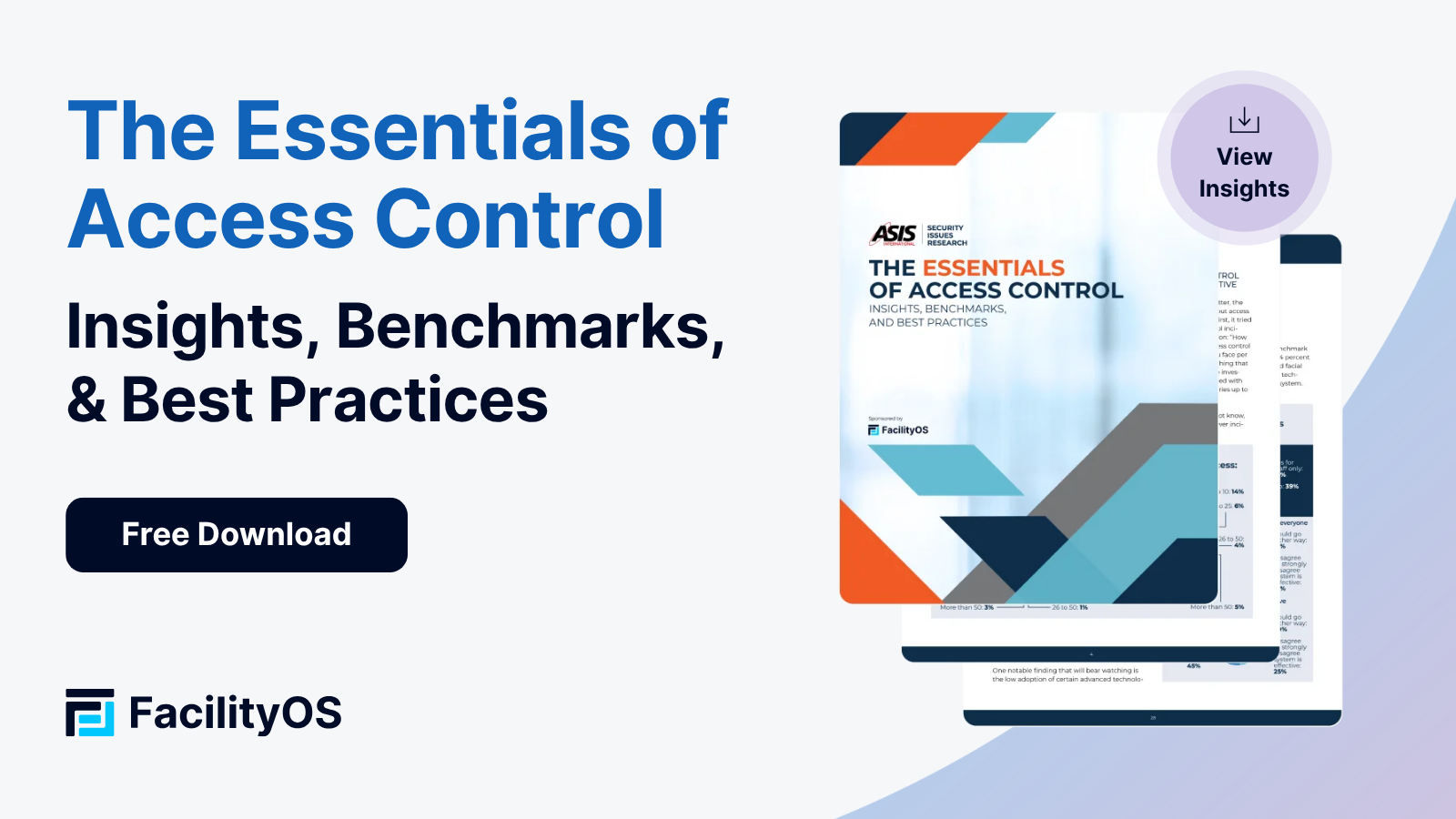
Most traditional badge systems rely on Role-Based Access Control (RBAC). You attach permissions to a role ("Operator," "QA Manager," "Maintenance Technician") and assign people to roles. (For a deeper dive on Access Control, check out The Essentials of Access Control Guide that we authored alongside ASIS):
For permanent employees, RBAC is generally fine. But contractors and visitors don’t fit cleanly into your role taxonomy:
- Do you really want a permanent “GMP Contractor” role that’s reused for every vendor?
- Do you want to modify roles every time a technician needs a one-off exception?
- Do you want temporary workers to inherit everything a permanent operator has, including access to zones they’ll never visit?
Probably not. That’s why more facilities are moving toward a layered model. Think of it like this:
- RBAC: Baseline (what someone generally does)
- Rule-Based Access (RuBAC/ABAC): Conditions (when/where/how they can do it)
- Time-Based Access (TBAC): Duration (for how long this is allowed)
Rather than granting a contractor a broad “Maintenance” role, you define:
- They’re a “Contractor – Electrical”
- They may access Door 3 and Door 7
- Only between 09:00 and 17:00
- Only on these dates
- Only after safety training is complete
- Only with host approval logged
That’s rule- and time-based access control in action. It’s precise, it’s repeatable, and (crucially for GMP/ITAR) explainable to an auditor.
Enter Digital Credentials: QR Codes and Mobile Access
Once you start thinking in rules and time windows instead of static badges, something else becomes obvious: physical cards are a bottleneck.
You have to:
- Print them
- Encode them
- Hand them out at reception
- Collect them at the end of the visit
- Hope they are deactivated correctly
Digital credentials (especially QR codes and mobile passes) align much better with temporary, just-in-time access.
Imagine this flow:
- A contractor is scheduled to come next Wednesday from 10:00–16:00.
- You send them a secure QR credential via email or SMS.
- That QR code:
- Activates at 09:55 on Wednesday
- Works only at specific doors
- Expires automatically at 16:05
- Every scan is logged with time, place, and result.
No physical printing, no forgetting to deactivate access, no "extra" zones. Digital credentials also tie access to process: the QR only activates if required training modules are completed, the visitor must confirm an NDA or safety acknowledgment before their credential activates, and hosts can approve or deny access in real time.
For GMP and ITAR zones, you can tune how strict you want to be. High-risk areas might use time-limited, single-use QR codes, mobile credentials plus biometric verification, or extra approval workflows for each new visit. This makes the rules explicit and enforceable, so you're not relying on memory and manual cleanup.
SecurityOS and the PIAM Approach
Where does SecurityOS fit into this picture? Think of it as a Physical Identity & Access Management (PIAM) layer that sits on top of your existing hardware (readers, doors, turnstiles) and traditional access control systems.
Instead of programming each system separately, you manage people, rules, and workflows in one place:
- Visitors, contractors, temps, and vendors become first-class citizens in your identity model.
- You define policy templates (“ITAR Auditor,” “GMP Maintenance Vendor,” “Temp QA Staff”) that bundle zones, time windows, and prerequisites.
- SecurityOS issues and revokes credentials automatically, according to those policies.
From a Security/Quality/EHS perspective, this has huge advantages:
- You can standardize how temporary access works across all plants and sites.
- You reduce manual, one-off exceptions that are hard to track and justify.
- You get a single source of truth for who was allowed where, when, and why.
In other words, you move from “we hope the local team handled this right” to “we know the workflow enforced the right rules by design.”
Designing a Temporary Access Workflow That Holds Up in an Audit
Let’s break down what a good temporary access workflow looks like in a GMP or ITAR environment.
1. Request & Pre-Registration
An internal host, a contractor company, or an audit coordinator registers a visitor or contractor in advance. They specify:
- Identity details
- Visit dates and times
- Purpose of visit
- Areas or zones required
- Host or department owner
This information doesn’t sit in an inbox. It flows directly into your system.
2. Policy & Rule Assignment
The person is matched to a template or rule set, such as:
- “ITAR Visitor – Escorted”
- “GMP Cleanroom Contractor – ISO 7”
- “Temporary Production Worker – Night Shift Only”
This policy defines:
- Which doors or turnstiles they may use
- Whether access is escorted or unescorted
- Time windows (daily and overall)
- Training or documentation prerequisites
3. Credential Issuance
Once rules are satisfied, the system issues a digital credential:
- A QR code sent by email
- A mobile wallet pass
- A link to a secure app
It can also support printed QR badges for those who prefer something physical, but the logic behind it is still digital, rule-based, and time-bound.
4. Activation & Use
On the day of the visit:
- The credential activates at the allowed time.
- The visitor arrives and either uses their phone or prints the QR at a kiosk.
- Every entry attempt (granted or denied) is captured in your logs.
If the person tries to enter before their window, or at the wrong door, the system simply denies access and records the event.
5. Automatic Expiration & Revocation
When the time window ends or when the visit period is over, access disappears automatically. No reminder emails, no manual "please don't forget to deactivate this badge" tasks.
If something changes mid-visit (security incident, revoked contractor approval, updated cleanroom status), credentials can be terminated immediately.
6. Extensions With Justification
If someone genuinely needs more time, they don’t get a free-form exception. They get an extension workflow:
- Host or manager approves the extension
- Reason is documented
- New time window is set
This keeps your logs neat and your decision-making traceable.
Logs That Make Auditors Happy
In GMP and ITAR audits, access logs are often where the conversation gets serious. You’ll be asked to show not only who was able to access a zone, but why, and whether that access was appropriate.
A strong access system gives you:
- A complete activity history for each credential
- The time and location of every access attempt
- Whether access was granted or denied
- Ties to identity, visit purpose, and host
- Evidence that access lined up with policy and procedure
When your temporary access process is digital and rule-driven, those logs are not a patchwork of spreadsheets and sign-in sheets. They’re a coherent story:
- “This contractor was pre-registered for GMP HVAC maintenance from 08:00–12:00.
- They completed cleanroom training.
- They received a time-limited QR credential.
- They accessed only the specified doors between 08:07–11:52.
- Their access expired at 12:00 and was not used again.”
That’s the kind of narrative that satisfies auditors and inspectors — because it demonstrates not just control, but intentional, consistent control.
Implementation Challenges (and How to Avoid Them)
Shifting to temporary, digital, rule-based access isn’t purely a technology project. There are a few common pitfalls you’ll want to anticipate.
Too Many Exceptions
If every department demands its own ad-hoc rules, your system becomes unmanageable. The fix: define a small set of standard policy templates and push teams to use them except in rare, well-justified cases.
Credential Sharing or Screenshot Misuse
Visitors might be tempted to share QR credentials. That’s why dynamic, time-limited codes and optional biometric or ID checks are important in higher-risk zones.
Incomplete Integration With HR/Contractor Systems
If HR or vendor management tools aren’t connected, identities might be created manually and inconsistently. Integrating these systems allows automatic onboarding and offboarding of temporary users.
Overlooking EHS and Quality Requirements
Security might design a beautiful access process that accidentally slows down operations or clashes with GMP/EHS procedures. Collaborative design is essential — EHS and Quality should be at the table from day one.
Bringing It All Together: A New Default for Temporary Access
Temporary workers, contractors, and visitors are not edge cases in GMP and ITAR environments — they are part of day-to-day reality. Treating them with ad-hoc processes and manual badge handling is a recipe for risk and audit pain.
By shifting toward temporary, rule-based, time-bound access, supported by digital QR or mobile credentials and a PIAM platform like SecurityOS, you get three major wins:
- Tighter Security
- No lingering access
- Fewer over-privileged users
- Stronger identity verification
- Stronger Compliance
- Clean, exportable logs
- Clear alignment with least-privilege principles
- Easier, faster responses to auditors
- Better Operations
- Less manual badge handling
- Faster onboarding of contractors and visitors
- Consistent workflows across sites
If your facility still relies on plastic visitor badges, sign-in sheets, and manual deactivation for temporary access, now is a good time to step back and reassess.
Start small: pick one controlled zone, define a standard temporary access policy, and pilot digital credentials for a month. Track the effort saved, the clarity of the logs, and the confidence your team feels heading into the next inspection.
Chances are, once you see temporary access done right, you won’t want to go back.
What Do You Think?
From your perspective as a Security, Quality, or EHS leader, what's the hardest part of managing temporary access today: policy, people, or technology?
Stay updated with industry insights, success stories, and more. Follow us on social media for the latest FacilityOS content.
 Follow us on Facebook
  Follow us on X
 Follow us on LinkedIn