FacilityOS > LogisticsOS > Asset Auditing

Asset Auditing Workflow

Know where every asset is. And prove it.

From laptops and IV pumps to furniture and high-value equipment, assets move constantly. Without a structured audit process, organizations lose visibility, waste time searching, and struggle to prove chain of custody.

LogisticsOS Asset Auditing gives you real-time scan capture for immediate asset status updates, so you know what you have, where it is, and who’s responsible.


AssetAuditing-LogisticsOS

Continuous Asset Tracking for Audit-Ready Control

Continuous asset tracking creates a controlled, transparent audit process across your facilities. Assets are logged upon intake and monitored through every stage of their lifecycle, maintaining a clear, time-stamped chain of custody. This reduces discrepancies, prevents loss, and ensures audit-ready documentation that supports both internal standards and external compliance requirements.

Check   How Asset Auditing Works

STEP 1: Centralized Asset Registry

Start with a complete asset inventory. Import from Excel, ServiceNow, or your system of record — or add assets manually with configurable metadata fields. Capture details such as Asset tag / unique ID, Serial number, manufacturer, model, and more. Assets can be tagged using existing barcodes — or generated and printed directly from the system.

STEP 2: Real-Time Audit & Verification

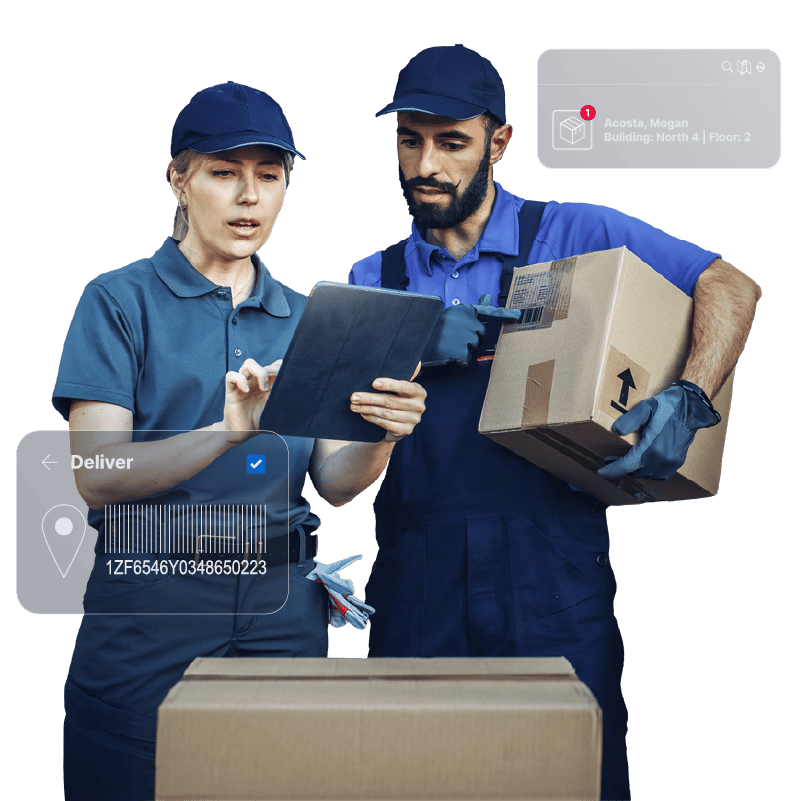
Conduct physical audits using web or mobile devices by scanning asset tags on site and update location instantly. Record condition changes (functional, damaged, cracked, etc.) and capture photos during inspection. Every scan updates the asset’s chain of custody — creating a defensible audit trail.

STEP 3: Complete Chain of Custody

Track every movement from storage to service to retirement. Assets can be checked out to individuals, signed to departments or locations and moved between facilities. Each event is timestamped and recorded, creating a full lifecycle history.

Step 1

Centralized Asset Registry

Start with a complete asset inventory.

Import from Excel, ServiceNow, or your system of record — or add assets manually with configurable metadata fields.  Capture details such as Asset tag / unique ID, Serial number, manufacturer, model, and more.  Assets can be tagged using existing barcodes — or generated and printed directly from the system

checkmark-icon-line

Step 2

Real-Time Audit & Verification

Conduct physical audits using web or mobile devices by scanning asset tags on site and update location instantly. Record condition changes (functional, damaged, cracked, etc.) and capture photos during inspection.  Every scan updates the asset’s chain of custody — creating a defensible audit trail.

checkmark-icon-line

Step 3

Complete Chain of Custody

Track every movement from storage to service to retirement.  Assets can be checked out to individuals, signed to departments or locations and moved between facilities.  Each event is timestamped and recorded, creating a full lifecycle history.

checkmark-icon-line

Step 4

Structured End-of-Life Tracking

When assets reach end of life, auditing doesn’t stop.  Document how assets are handled and whether they were recycled, donated, sold, or disposed.  This structured surplus reporting supports finance, compliance, and forecasting requirements.

checkmark-icon-line

Step 5

Capital & Compliance Visibility

Flag high-expenditure assets and monitor lifecycle data.  Track CapEx assets separately and monitor maintenance due dates or identify assets approaching retirement . You always have a clean audit trail ready for review.

checkmark-icon-line

Step 6

Advanced Audit Controls

For organizations that require stricter governance, activate approval workflows, allowing you to move, change ownership or initiative retirement requests.  Intelligent Locker Integration makes it simple to route assets through secure locker systems for controlled drop-off and collection and integration with third-party RFID solutions automate location updates where real-time tracking is required.

checkmark-icon-line

Why Teams Choose LogisticsOS for Asset Auditing?

Don't just track assets.  Prove control.

  Configurable metadata and workflows
 Mobile audit capabilities
 Photo capture and condition tracking
 Approval-based governance options
✔  End-of-life reporting
✔  Integration-ready architecture
✔  Cloud-hosted, single-tenant database architecture
FacilityOS logo
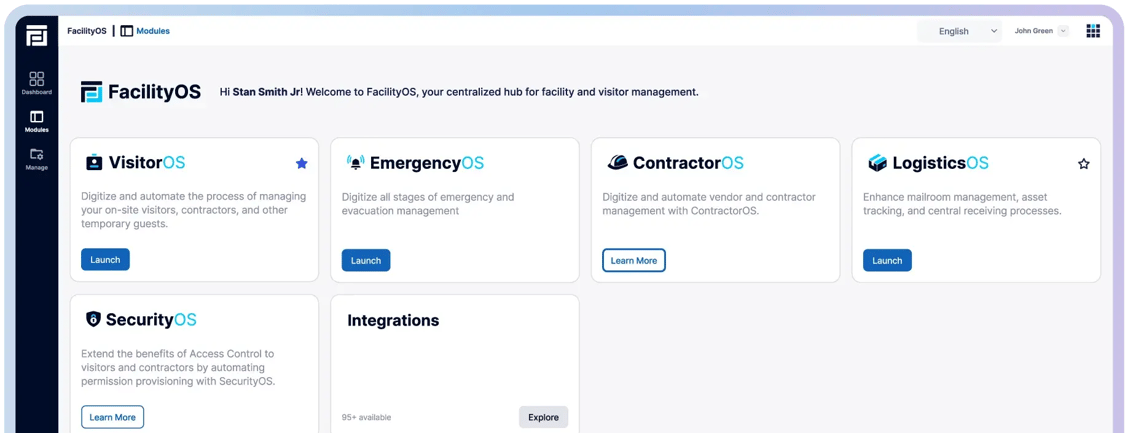
Facility, Asset & Visitor Management Modular Platform
VisitorOS
Keep track of on‑site visitors & contractors.
ContractorOS
Centralize & automate contractor compliance processes.
EmergencyOS
Digitize all stages of emergency & evacuation management.
LogisticsOS
Track packages across the entire chain of custody.
SecurityOS
Extend the benefits of access control to contractors.
 
 
FOS-Card-View-Half-moduleview