FacilityOS > LogisticsOS > AI Receiving Assistant

AI Receiving Assistant

Receiving is one of the most time‑consuming parts of mailroom and logistics operations. Every label typed, every barcode double‑checked, and every exception handled manually adds friction that slows teams down and introduces risk.

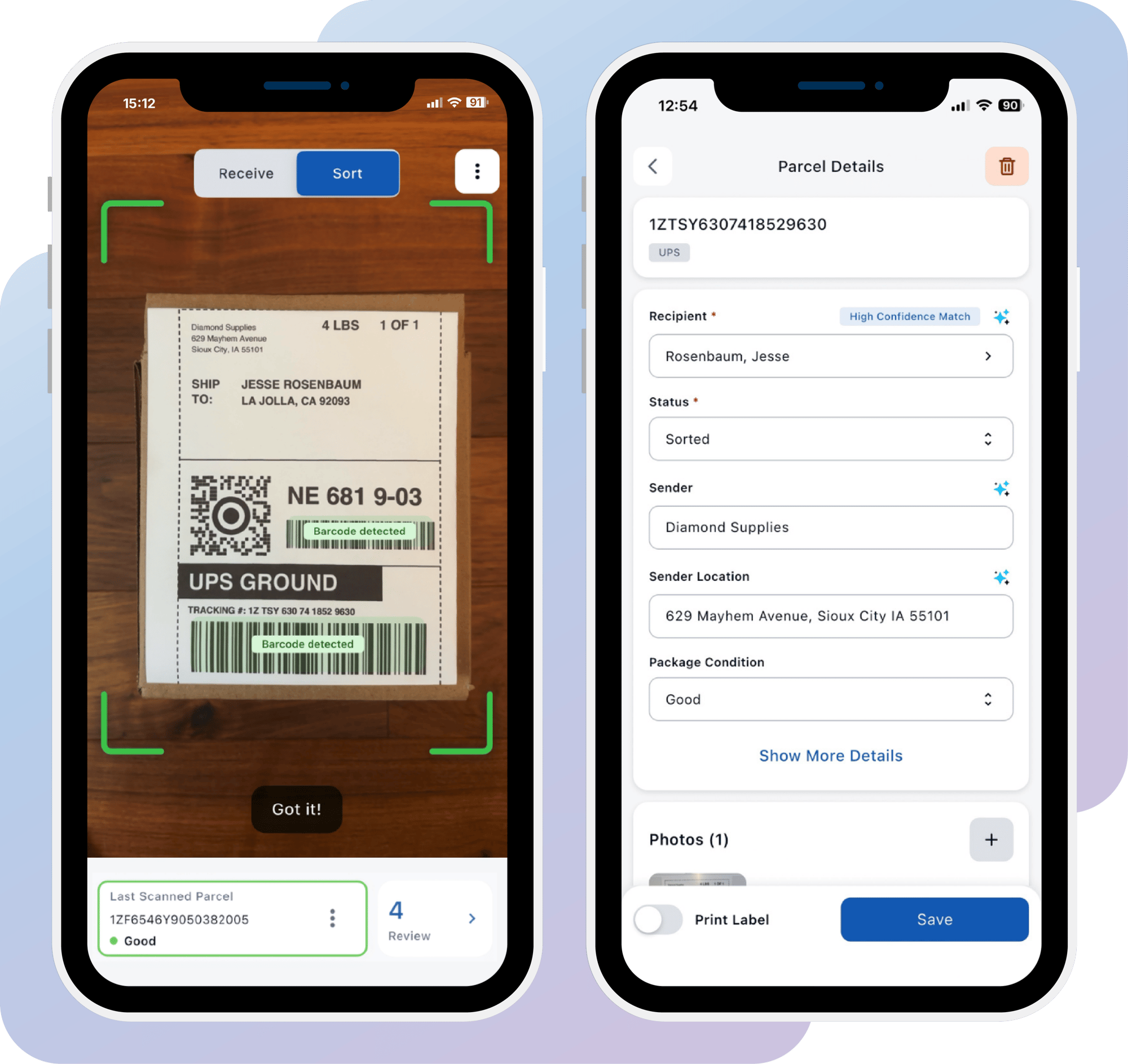
The LogisticsOS AI Receiving Assistant brings receiving and sorting together in one mobile app. Beacon AI reads the label the moment it's scanned and automatically fills in recipient, sender, and parcel details, with a confidence indicator so your team can trust the match before confirming. From there, staff can review, print a label, and capture a signature, all without leaving their device.

LOS-ScreenPair1

Speed Up Parcel Intake And Improve Accuracy with AI

The AI Receiving Assistant modernizes your workflow with a mobile app and a streamlined processing experience. Capture label information instantly, eliminate manual data entry, and route parcels with confidence.

How AI Receiving Assistant Works

Step 1

Receive with Smart Scanner

Mailroom staff scan parcel barcodes using the LogisticsOS Smart Scanner app. A label image is captured instantly at intake, keeping the process fast even during high-volume receiving.

checkmark-icon-line

Step 2

Capture Label Data

Beacon AI extracts key fields from the label, including recipient, tracking number, and carrier details using OCR.

checkmark-icon-line

Step 3

Review, Sort & Assign

Switch to Sort mode right in Smart Scanner to review, confirm, print a label, and capture a signature, all from the same device. Prefer to split the work across your team? Stay in Receive mode for fast capture, and finish sorting later from the web Smart Processing screen.

checkmark-icon-line

Step 4

Send Notifications

Automatically send notifications via email or SMS to inform recipients when parcels are stored, or ready for delivery or pickup, ensuring real-time communication.

checkmark-icon-line

Step 5

Delivery & Reporting

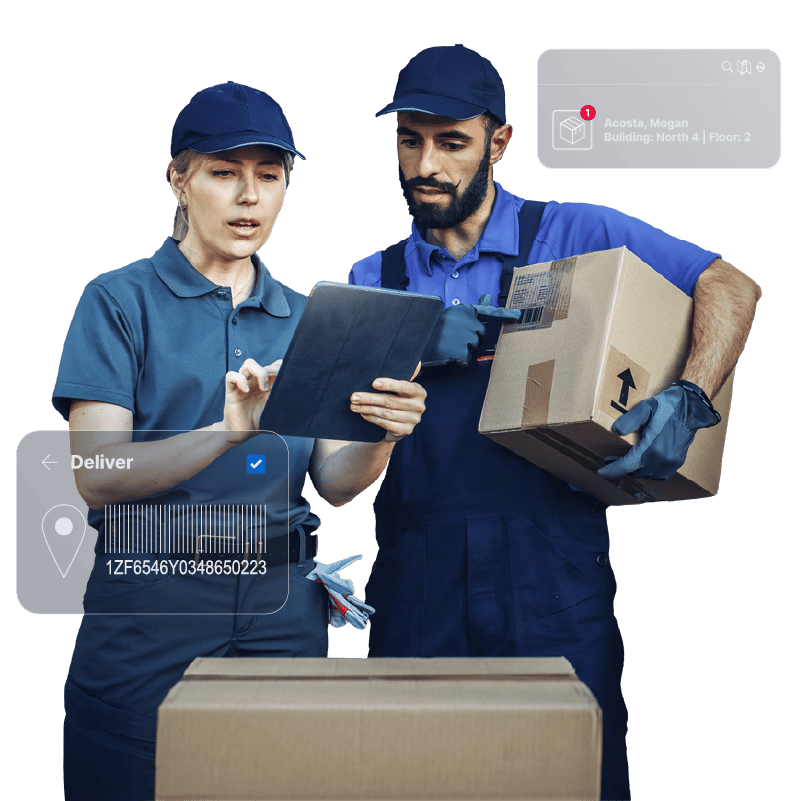
Transfer parcels to recipients and capture proof of delivery with signatures, ID scans, or photos. Generate detailed reports and visual dashboards to review performance and identify opportunities for improving parcel receiving workflows.

checkmark-icon-line

Who Benefits from the AI Receiving Assistant?

Designed for mailroom and teams managing high-volume receiving environments, the AI Receiving Assistant speeds up receiving and sorting workflows while improving accuracy.


Mail Center Staff icon
Mail Center Managers icon
Employees icon