FacilityOS > EmergencyOS > Real-Time Hazard Alerts

Real-Time
Hazard Alerts

Detect threats earlier. Respond faster.

When external threats hit, delays in awareness slow everything down.

Most teams rely on a mix of weather apps, news alerts, and manual monitoring. It’s inconsistent, easy to miss, and disconnected from how response actually happens.

EmergencyOS brings real-time hazard alerts directly into your workflow, so when something happens, you can act immediately.
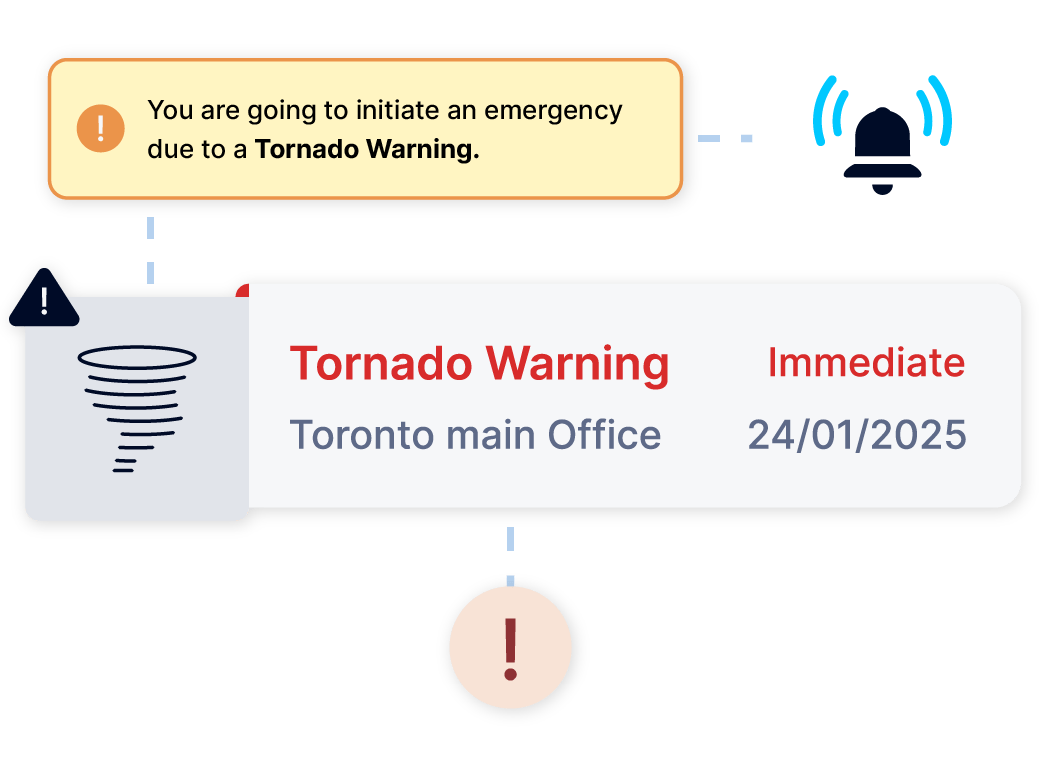
 

RealtimeWeather+Hazard

Stay Ahead of External Threats

Check  How Real-Time Hazard Alerts Work

STEP 1: Detect External Threats

Automatically receive real-time alerts based on your site’s geographic location. No setup or manual tracking required.

STEP 2: Assess Impact Quickly

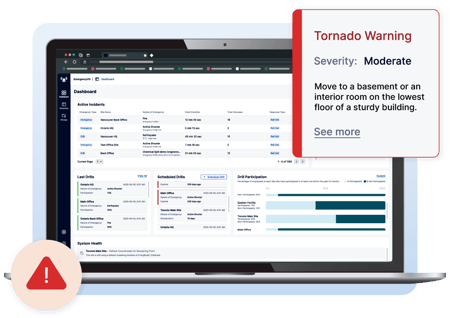
View alert details within the EmergencyOS dashboard to understand severity, affected areas, and potential impact to your sites and personnel.

STEP 3: Initiate Response

Launch emergency workflows directly from the alert. Notify occupants, trigger protocols, and coordinate response in seconds.

STEP 4: Communicate at Scale

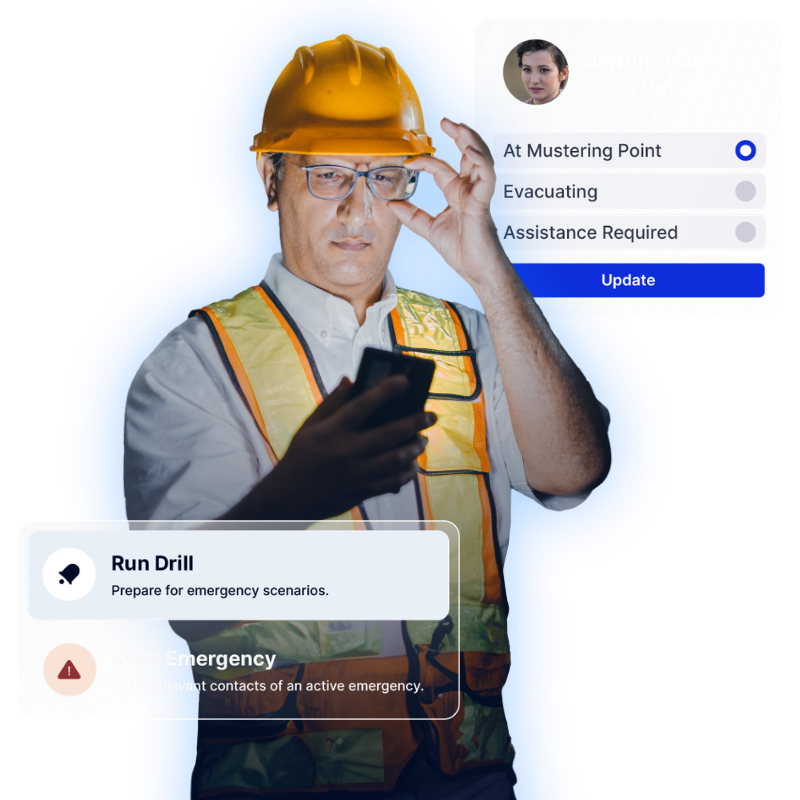
Send real-time notifications to employees, visitors, and contractors across impacted locations to ensure everyone stays informed.

STEP 5: Strengthen Audit & Preparedness

Maintain a record of alerts and responses to support post-incident review, continuous improvement, and compliance requirements.

Step 1

Centralized Asset Registry

Start with a complete asset inventory.

Import from Excel, ServiceNow, or your system of record — or add assets manually with configurable metadata fields.  Capture details such as Asset tag / unique ID, Serial number, manufacturer, model, and more.  Assets can be tagged using existing barcodes — or generated and printed directly from the system

checkmark-icon-line

Step 2

Real-Time Audit & Verification

Conduct physical audits using web or mobile devices by scanning asset tags on site and update location instantly. Record condition changes (functional, damaged, cracked, etc.) and capture photos during inspection.  Every scan updates the asset’s chain of custody — creating a defensible audit trail.

checkmark-icon-line

Step 3

Complete Chain of Custody

Track every movement from storage to service to retirement.  Assets can be checked out to individuals, signed to departments or locations and moved between facilities.  Each event is timestamped and recorded, creating a full lifecycle history.

checkmark-icon-line

Step 4

Structured End-of-Life Tracking

When assets reach end of life, auditing doesn’t stop.  Document how assets are handled and whether they were recycled, donated, sold, or disposed.  This structured surplus reporting supports finance, compliance, and forecasting requirements.

checkmark-icon-line

Step 5

Capital & Compliance Visibility

Flag high-expenditure assets and monitor lifecycle data.  Track CapEx assets separately and monitor maintenance due dates or identify assets approaching retirement . You always have a clean audit trail ready for review.

checkmark-icon-line

Designed for High-Risk,
Multi-Site Environments

Stay prepared across every location:

Whether managing a single site or a global footprint, EmergencyOS ensures faster, more coordinated response to external threats.

EOS-StayInformedWithoutDisruption
FacilityOS logo
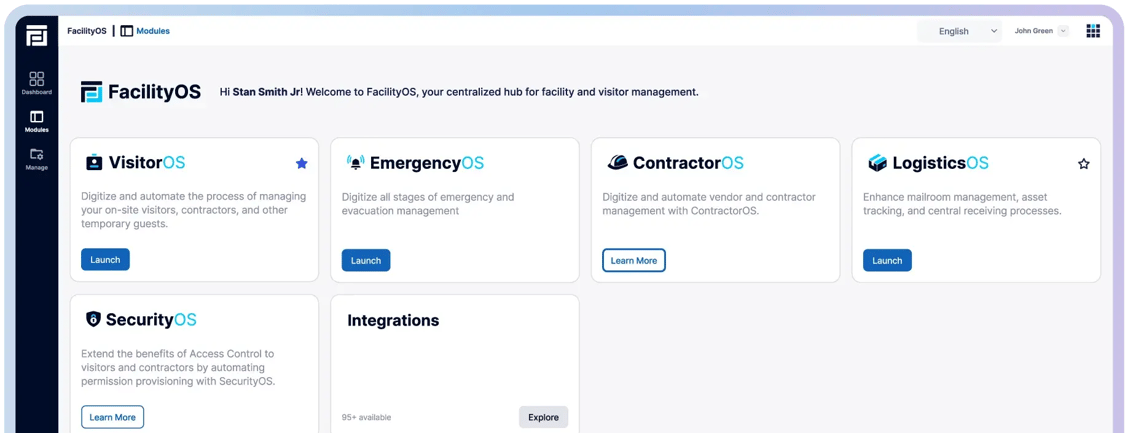
Facility, Asset & Visitor Management Modular Platform
VisitorOS
Keep track of on‑site visitors & contractors.
ContractorOS
Centralize & automate contractor compliance processes.
EmergencyOS
Digitize all stages of emergency & evacuation management.
LogisticsOS
Track packages across the entire chain of custody.
SecurityOS
Extend the benefits of access control to contractors.
 
 
FOS-Card-View-Half-moduleview