FacilityOS > LogisticsOS > SKU-Level Tracking Workflow

SKU-Level Tracking Workflow

Track Every Unit. Control Every Location. Eliminate Guesswork.

Inventory isn’t just about what you stock — it’s about knowing exactly how much you have, where it is, and how it moves.

LogisticsOS SKU-Level Tracking gives you real-time visibility into consumable inventory at the SKU and lot level — ensuring accurate counts, controlled storage, and defensible reporting.
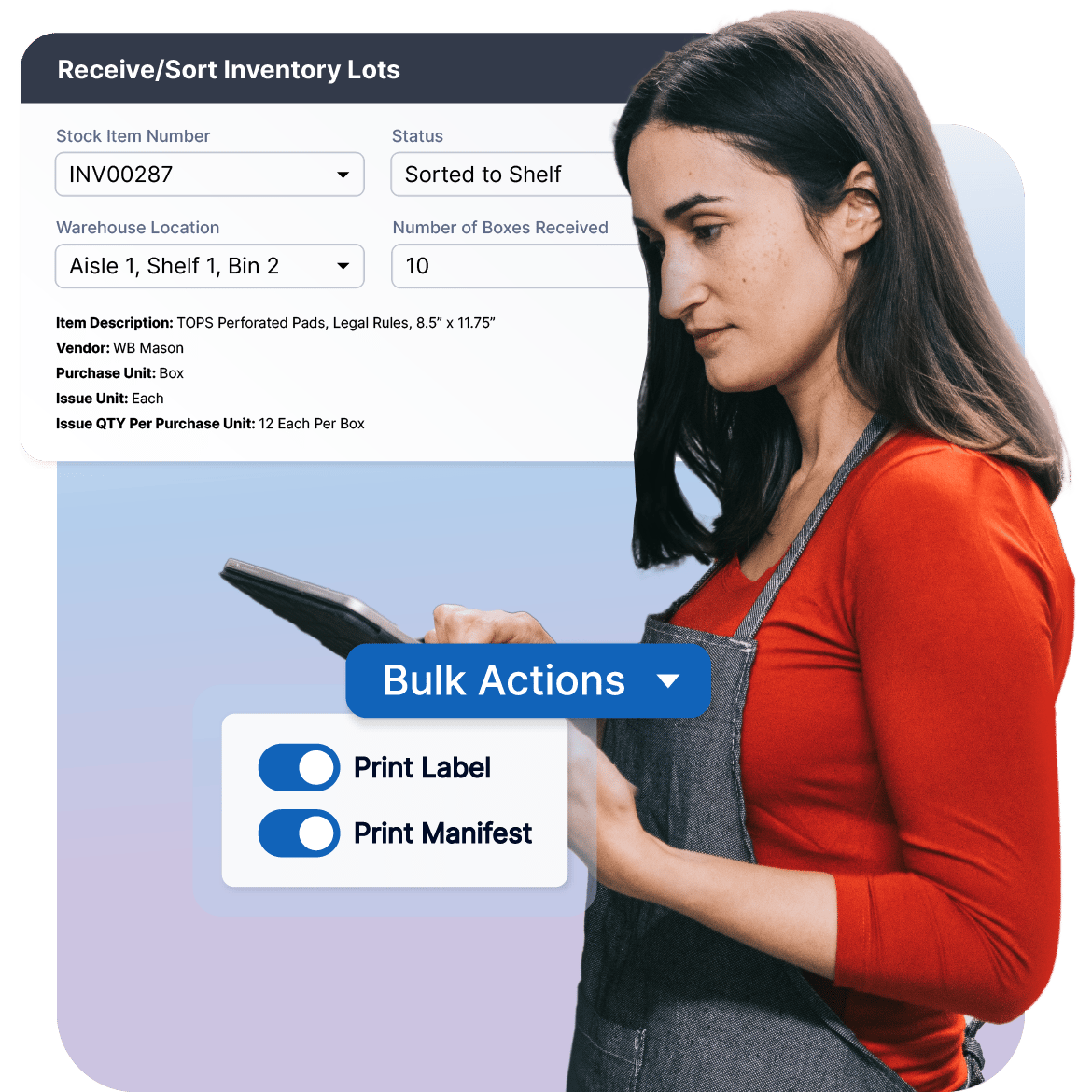

Sku-Tracking-LogisticsOS

Gain Complete Visibility at the SKU Level

Inventory accuracy starts with precision. LogisticsOS SKU-Level Tracking gives you structured, real-time control over every item you stock — tracking quantities by SKU, lot, and location so you always know what you have, where it is, and how it’s moving.

Check   How Asset Auditing Works

STEP 1: Define SKUs with Structured Attributes

Each SKU is configured with purchasing units (e.g., case), issuing units (e.g., each or ream), vendor details, reorder thresholds, and categories. This structured setup ensures accurate tracking from the moment inventory is received.

STEP 2: Receive & Create Inventory Lots

When inventory arrives, teams log quantities against specific SKUs and assign them to storage locations such as aisle, shelf, or bin. Lot records can be generated to support FIFO management and expiration tracking.

STEP 3: Track Inventory by Location

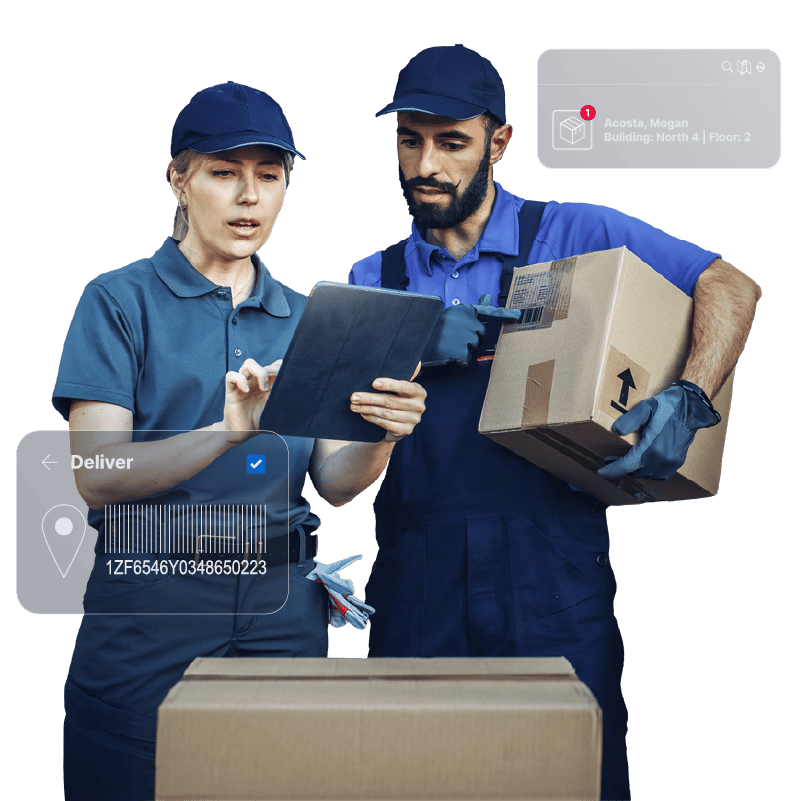
Inventory is tracked by defined storage locations. Teams can scan barcodes to move stock between locations while maintaining a complete chain of custody across warehouses or facilities.

STEP 4: Support FIFO & Expiration Control

For environments that require strict rotation, LogisticsOS enables lot-level tracking so older inventory is used first. Expiration dates or internal “use by” dates can be monitored to prevent waste or compliance issues.

STEP 5: Update Quantities in Real-Time

Teams can increase, decrease, relocate, or retire inventory directly from web or mobile devices. Physical audits can instantly reconcile stock discrepancies and update the system in real-time.

Step 1

Centralized Asset Registry

Start with a complete asset inventory.

Import from Excel, ServiceNow, or your system of record — or add assets manually with configurable metadata fields.  Capture details such as Asset tag / unique ID, Serial number, manufacturer, model, and more.  Assets can be tagged using existing barcodes — or generated and printed directly from the system

checkmark-icon-line

Step 2

Real-Time Audit & Verification

Conduct physical audits using web or mobile devices by scanning asset tags on site and update location instantly. Record condition changes (functional, damaged, cracked, etc.) and capture photos during inspection.  Every scan updates the asset’s chain of custody — creating a defensible audit trail.

checkmark-icon-line

Step 3

Complete Chain of Custody

Track every movement from storage to service to retirement.  Assets can be checked out to individuals, signed to departments or locations and moved between facilities.  Each event is timestamped and recorded, creating a full lifecycle history.

checkmark-icon-line

Step 4

Structured End-of-Life Tracking

When assets reach end of life, auditing doesn’t stop.  Document how assets are handled and whether they were recycled, donated, sold, or disposed.  This structured surplus reporting supports finance, compliance, and forecasting requirements.

checkmark-icon-line

Step 5

Capital & Compliance Visibility

Flag high-expenditure assets and monitor lifecycle data.  Track CapEx assets separately and monitor maintenance due dates or identify assets approaching retirement . You always have a clean audit trail ready for review.

checkmark-icon-line

Designed for High-Volume Environments

SKU-Level Tracking supports:

  • Healthcare supply management
  • Manufacturing parts and materials
  • Warehouse consumables
  • Facilities and maintenance supplies
  • Corporate office inventory

Whether managing pallets of supplies or individual units, LogisticsOS ensures accurate, real-time inventory control.

Sku-HighVolume

Reporting & Operational Insight

Gain immediate visibility into:

  • On-hand quantities by SKU
  • Inventory by location
  • Lot-level balances
  • Consumption trends
  • Exportable reports (Excel, CSV, PDF)
  • Dashboard views for real-time oversight

Structured SKU data enables better forecasting, budgeting, and replenishment planning.

Sku-Reporting&Control
LogisticsOS-Assets+EOL

Built for Real-World Operations

  • Lot-based inventory control
  • Location-level tracking (aisle, shelf, bin)
  • FIFO and expiration management
  • Real-time quantity adjustments
  • Barcode-based scanning
  • Chain of custody tracking
  • API-ready integration

You don’t just store inventory. You control it at the unit level.

FacilityOS logo
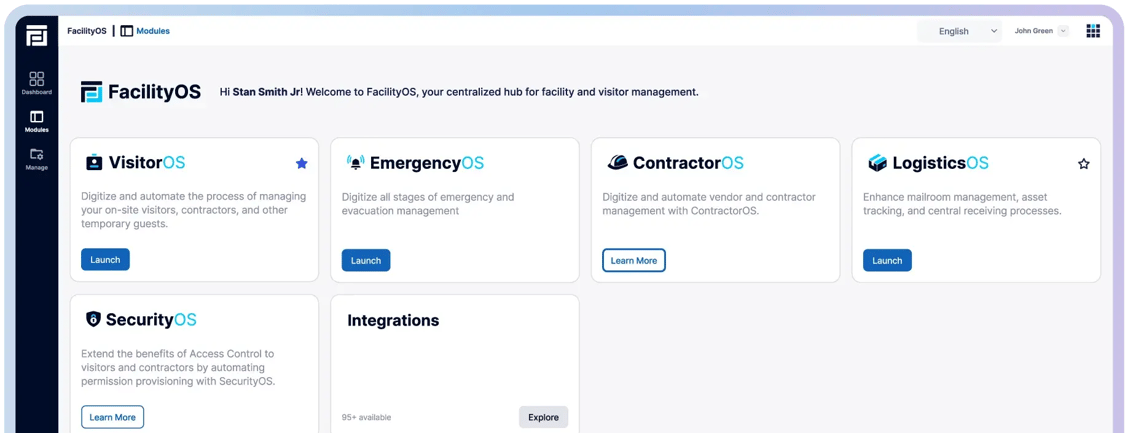
Facility, Asset & Visitor Management Modular Platform
VisitorOS
Keep track of on‑site visitors & contractors.
ContractorOS
Centralize & automate contractor compliance processes.
EmergencyOS
Digitize all stages of emergency & evacuation management.
LogisticsOS
Track packages across the entire chain of custody.
SecurityOS
Extend the benefits of access control to contractors.
 
 
FOS-Card-View-Half-moduleview